
Governance & More · ERP Module
Correspondence & Notices ERP
Manage formal customer and project correspondence separately from ordinary messaging, with templates, approvals, dispatch and history.
Formal noticesTemplatesApproval and dispatch
Operational depth
This is not a feature page. It is a working part of the ERP.
Manage formal customer and project correspondence separately from ordinary messaging, with templates, approvals, dispatch and history.
01Formal notices
02Templates
03Approval and dispatch
04History
Walk through this workflow Live product · project-focused demo
ONE PROJECT RECORD
LIVE OPERATIONAL CONTEXT
Connected views
Move through the surrounding workflow — without losing context.
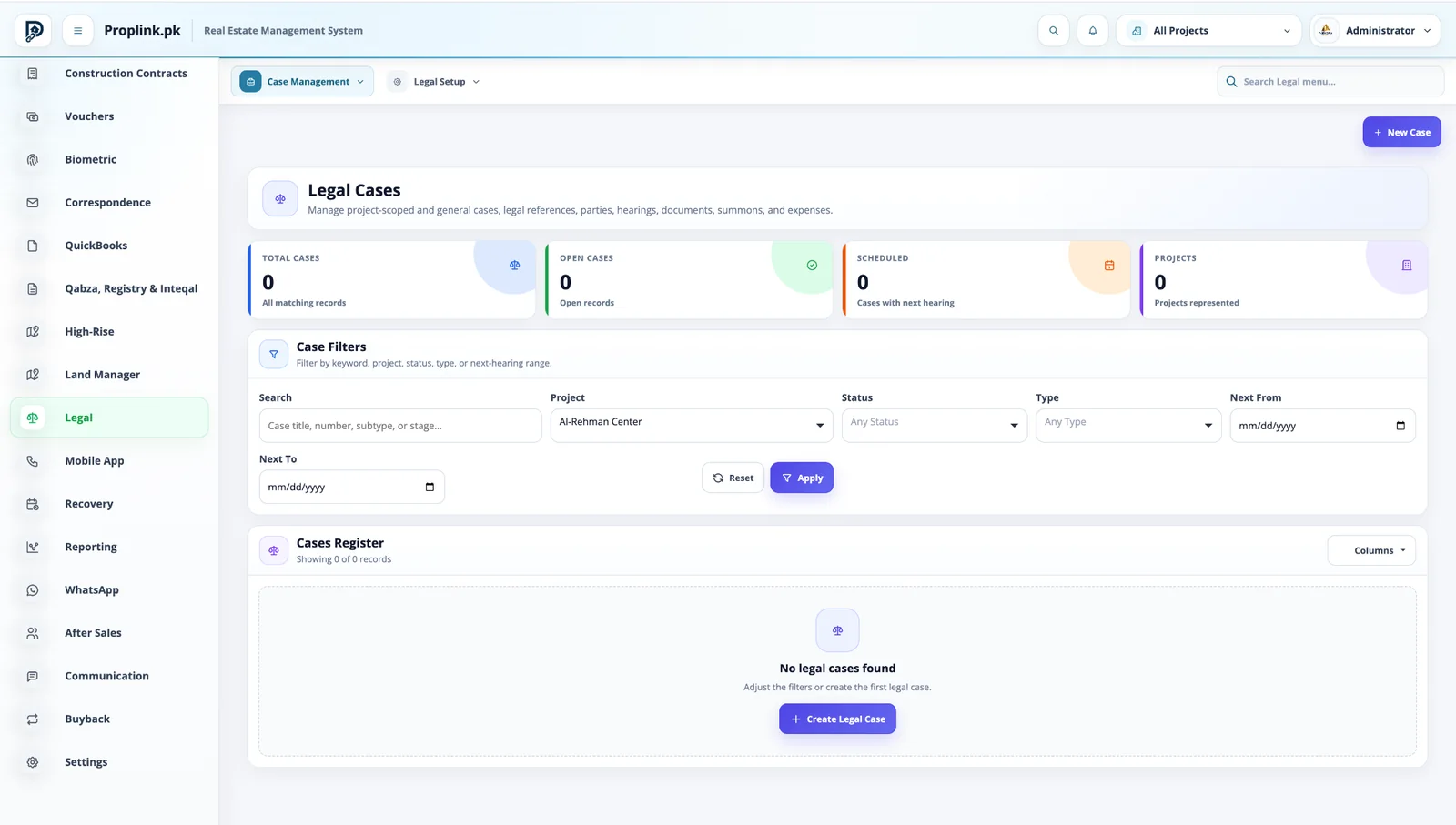
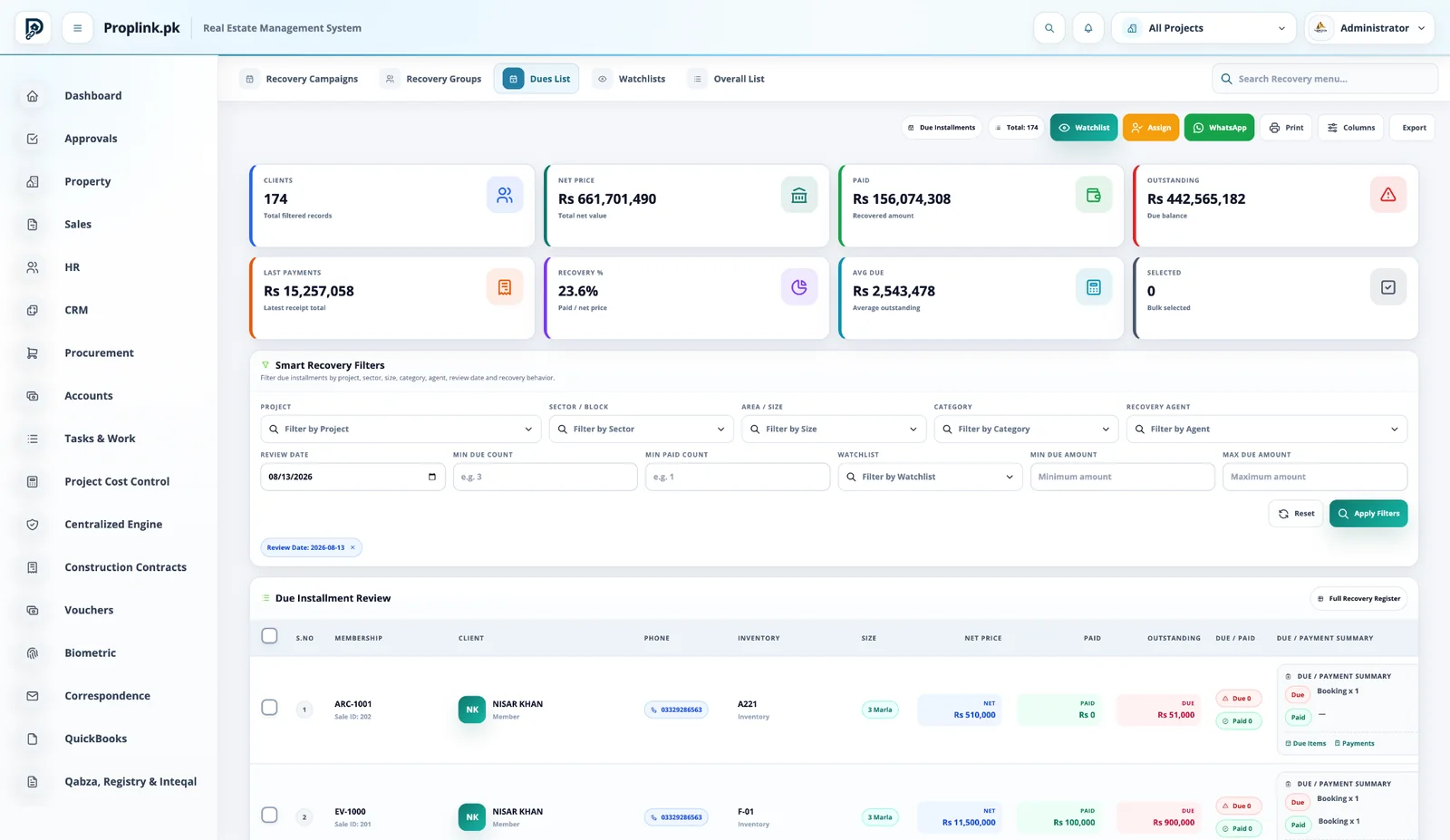
The module does not sit alone. Open the connected PropLink views that feed it, receive from it, or continue the same customer, property or financial record.
Book a live walkthroughPROPLINK · LIVE PRODUCTCONNECTED
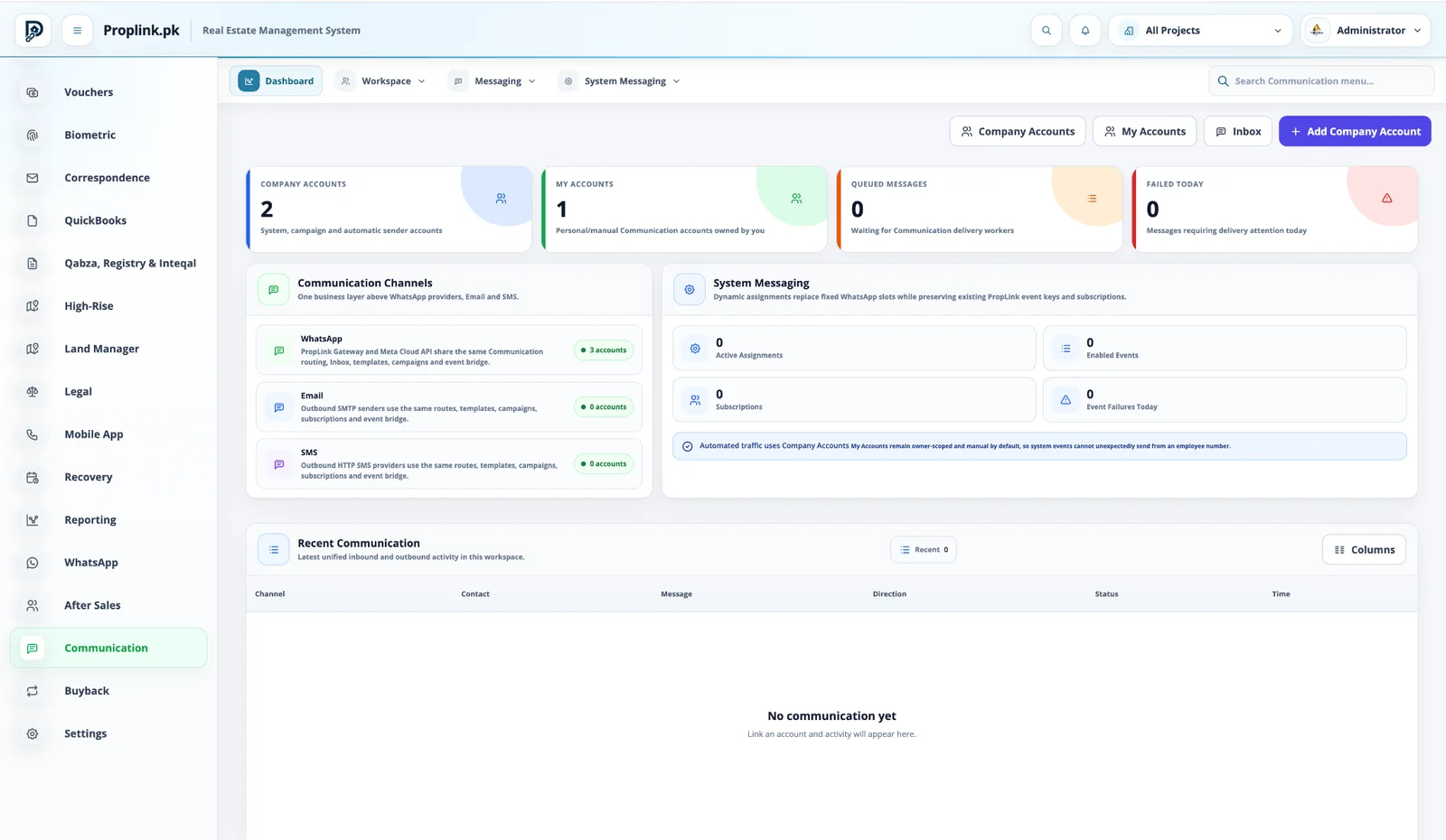
WORKSPACE 01Correspondence & Notices ERP
Company accounts, personal accounts, WhatsApp, email, SMS and system messaging share one communication layer.
REAL DATA FLOW
PROJECT SCOPED
Want to see Correspondence & Notices ERP on your workflow?
Tell us your project type and the departments you want to connect.
FAQ
Frequently asked questions
Answers to common questions about this PropLink workflow.
The Communication module is designed for WhatsApp, email and SMS workflows through configured provider accounts and common messaging controls.
Yes. Communication accounts can distinguish company-controlled accounts from user-scoped accounts, helping automated and manual messaging stay controlled.
System messaging can connect configured events and subscriptions to approved communication accounts and templates.
Yes. Recent inbound and outbound communication can be surfaced in the communication workspace when provider integrations are connected.
After Sales provides a controlled service environment for customer requests such as possession, legal processes, approvals, utility connections and other configured services.