Create Project
Define project profile and structure.
 PropLinkREAL ESTATE ERP
Give each housing scheme, tower or development its own inventory, sales, recovery, accounts, users and permissions while giving authorized management a consolidated view.
No hand-off spreadsheets. No dead-end module screens. Each stage continues from the data created before it.
Define project profile and structure.
Grant project and module access.
Teams perform sales, recovery, accounts and other work.
Records remain scoped to their project.
Authorized users review allowed projects together.
Compare project and portfolio performance from the same ERP.
Each capability stays connected to the same project, inventory and customer records.
Use projects as the operating scope for inventory, customers, sales and financial activity.
Control which projects each user can access in addition to module and action permissions.
Authorized users can review allowed projects together instead of exporting each project separately.
Use consistent modules, policies and workflows while retaining project-specific records.
Sales, Accounts, Recovery, HR and management can have different access boundaries.
Add housing schemes, towers and other developments without creating a separate disconnected software stack.
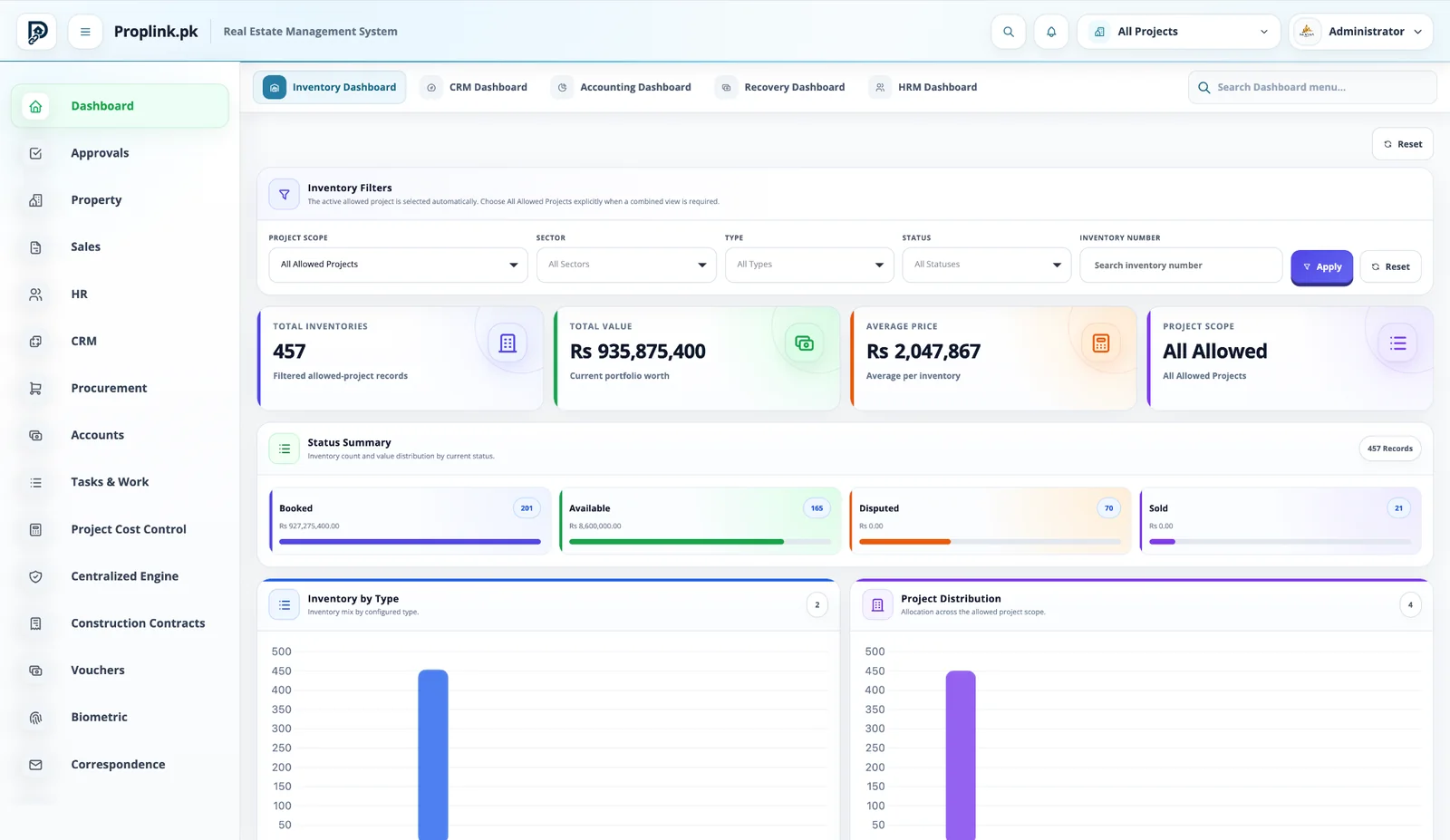
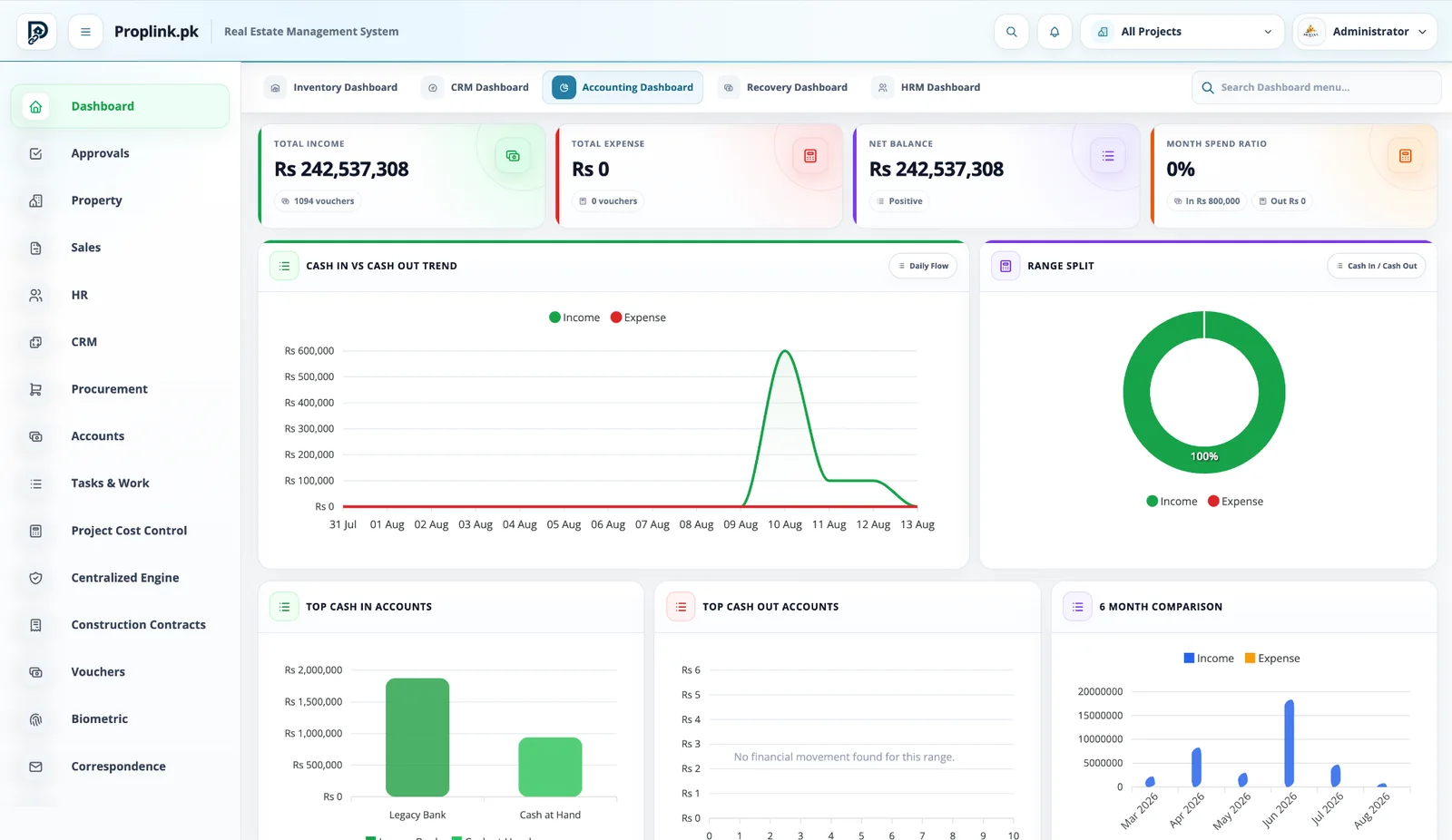
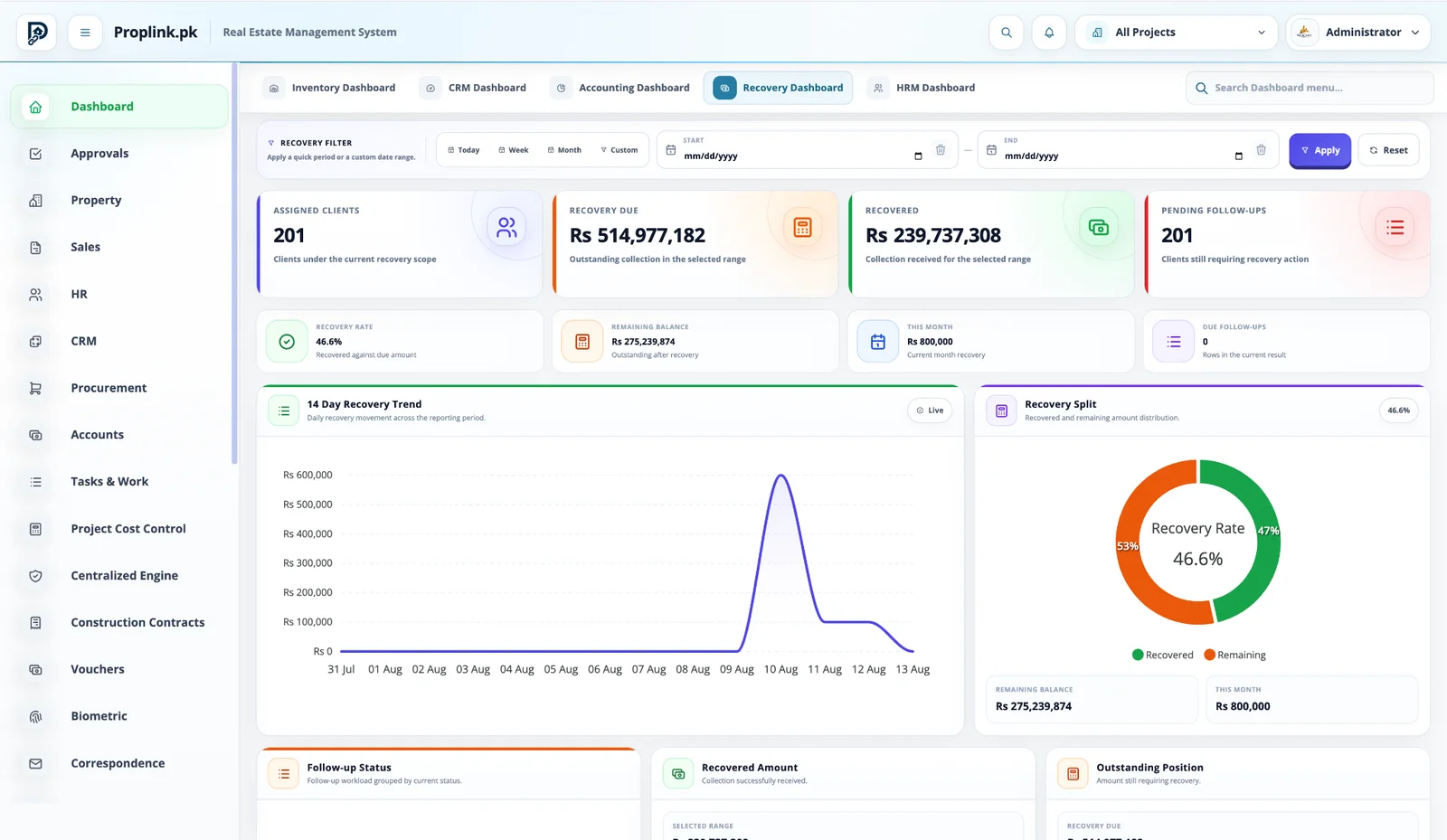
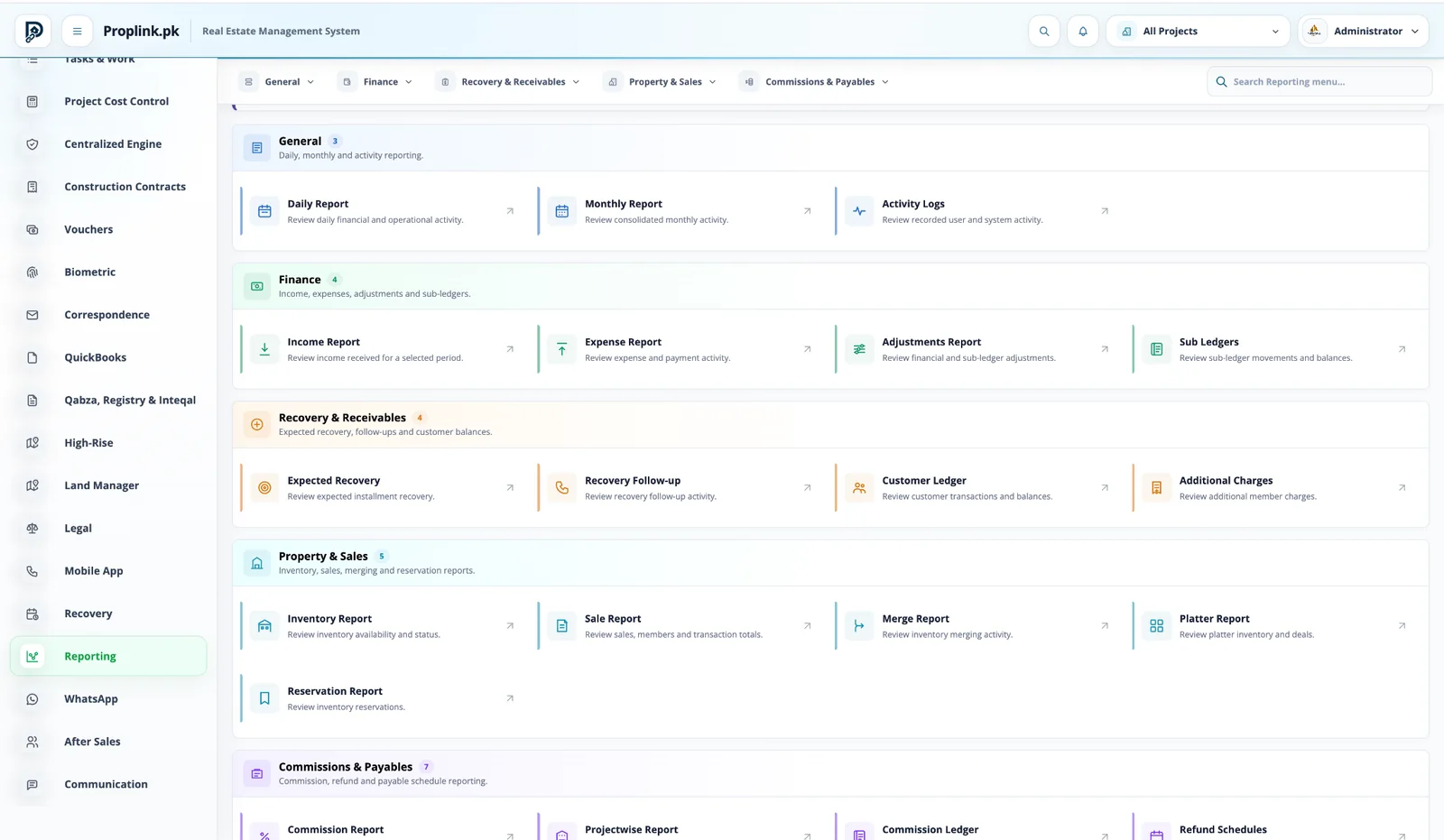
Switch between the exact PropLink workspaces used by the teams in this solution. Every view stays in its natural aspect ratio and opens full-size.
Book a live walkthroughSee portfolio inventory, value, availability, status and project distribution from one management view.
Get a live, project-focused walkthrough with the PropLink team.
Answers to common questions about this PropLink workflow.