Housing Societies ERP

Housing societies ERP built for plots, sales, receipts and recovery.

Run project setup, plot inventory, bookings, member profiles, instalment plans, receipts, ledgers and overdue recovery from one connected housing society ERP.

Plot-based inventoryMember & instalment managementRecovery & dues
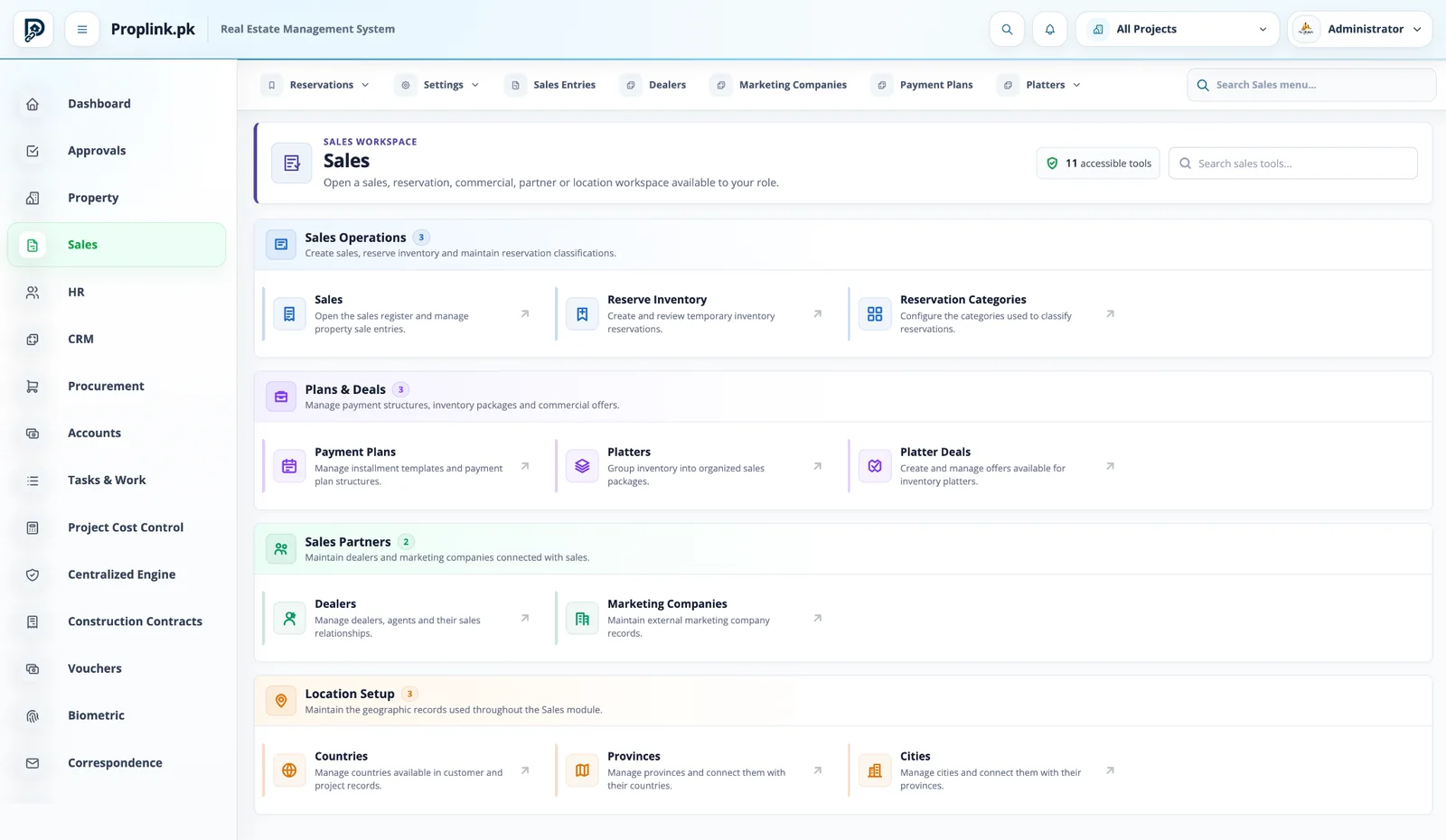
Sales Workspace
PropLink Sales Workspace interface
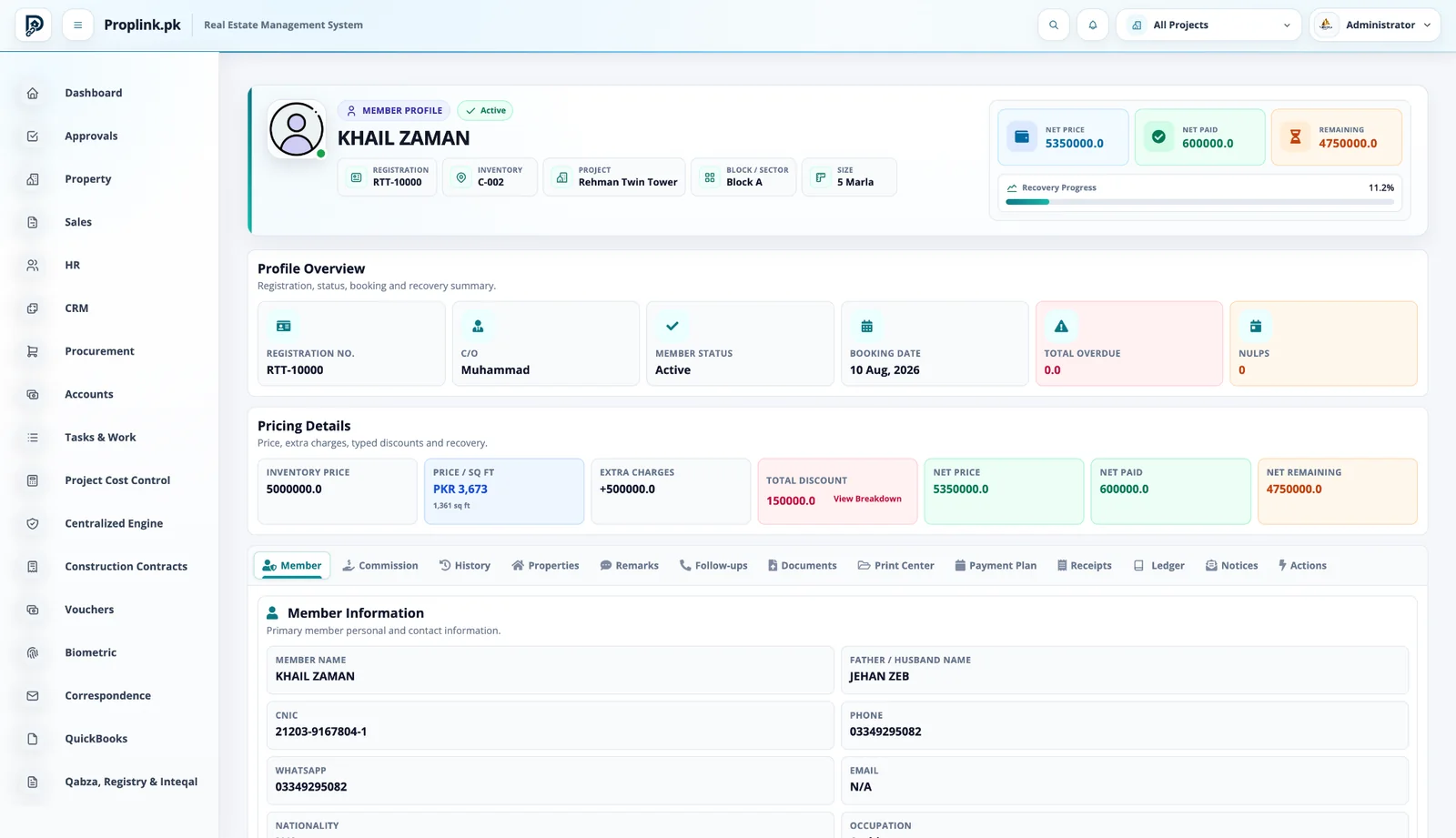
Member Profile
PropLink Member Profile interface
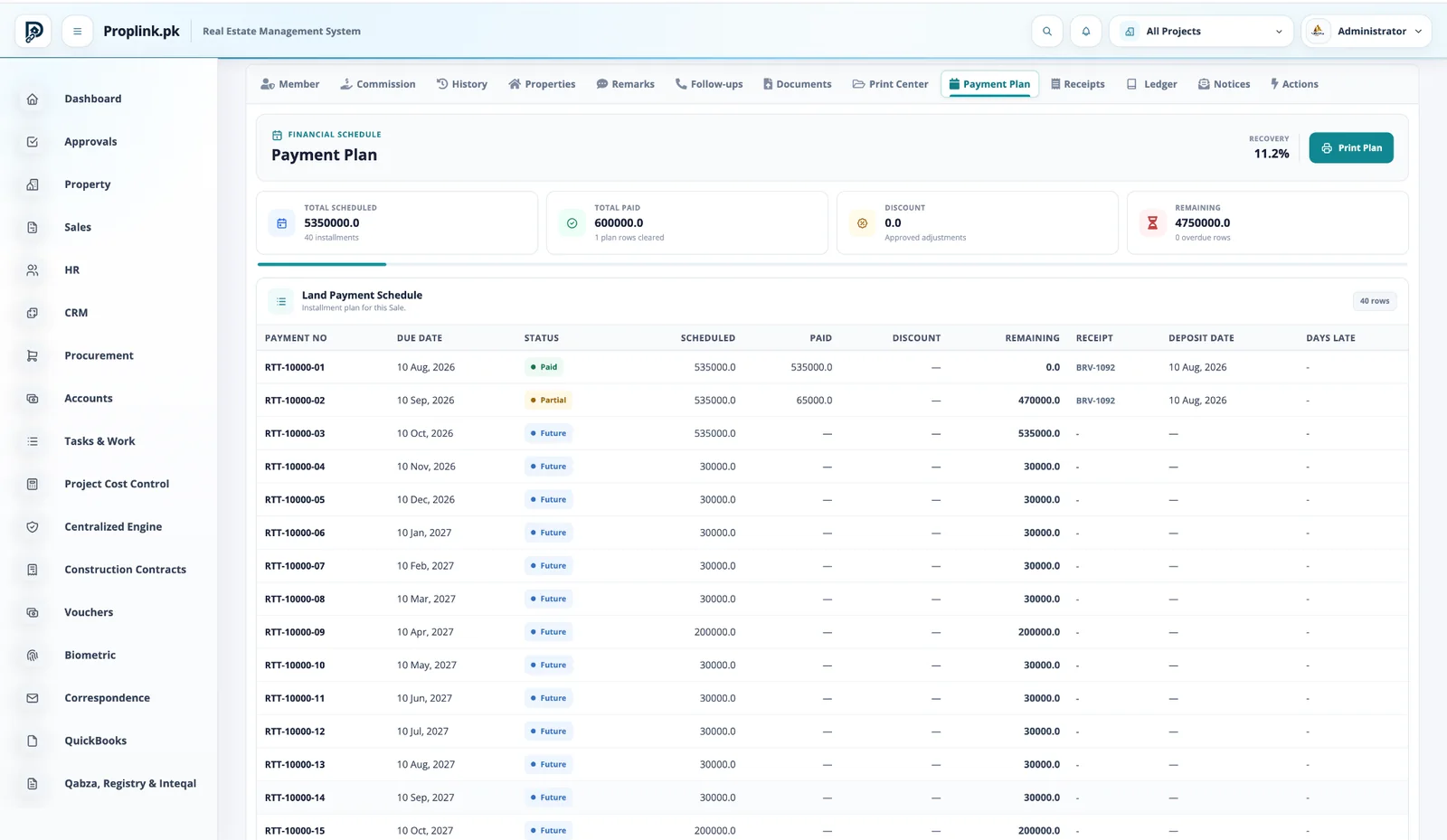
Payment Plan
PropLink Payment Plan interface
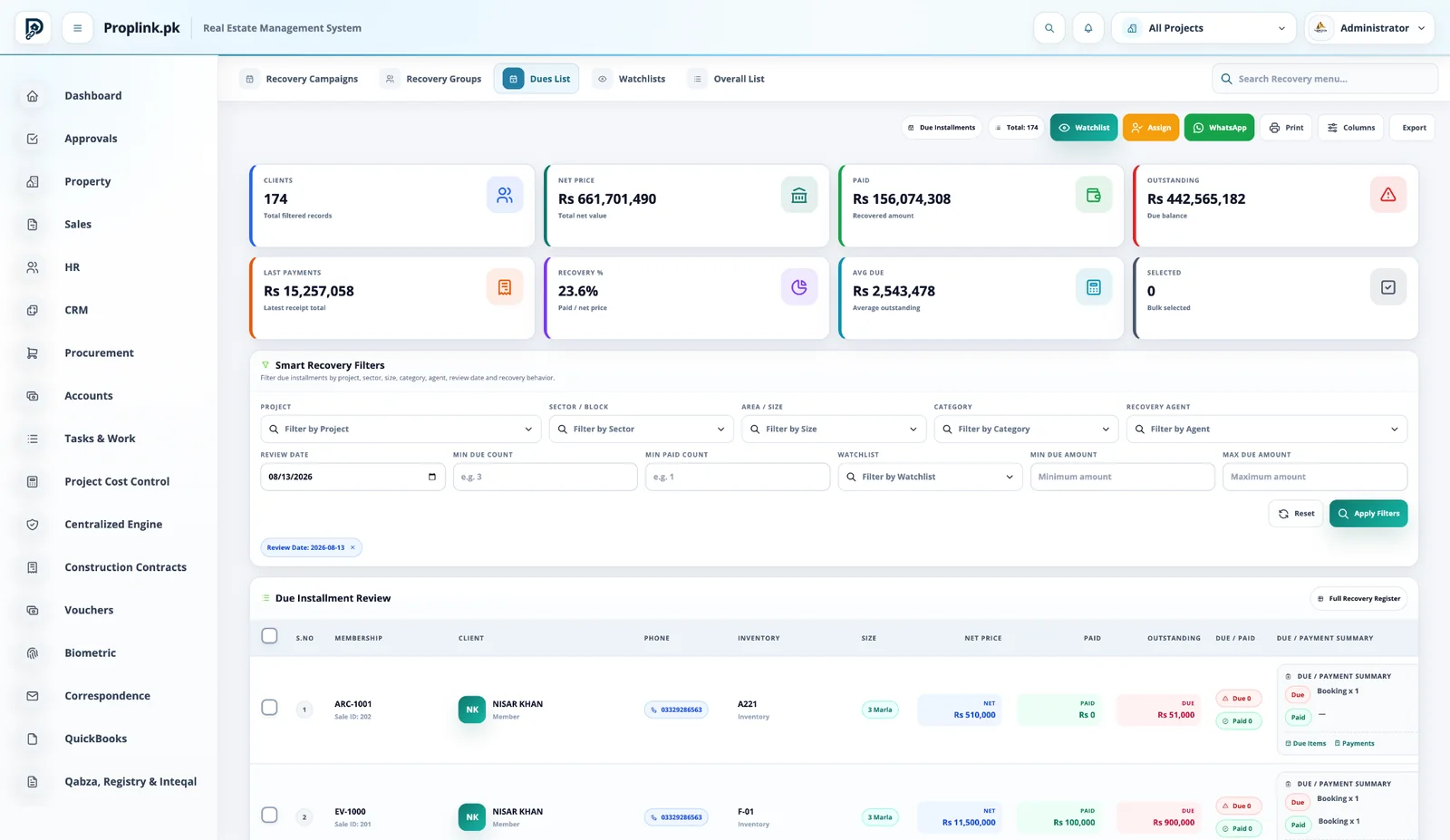
Dues List
PropLink Dues List interface
Connected workflow

One record moves through the business — the context stays attached.

No hand-off spreadsheets. No dead-end module screens. Each stage continues from the data created before it.

01

Project Setup

Create project, sectors and plot sizes.

02

Inventory & Plots

Add property, pricing and status.

03

Sales & Booking

Register members and book inventory.

04

Payment Plans

Define instalments and due dates.

05

Receipts & Ledger

Record collections and member balance.

06

Recovery & Dues

Assign and follow overdue accounts.

Core capabilities

Built for the actual work your teams perform.

Each capability stays connected to the same project, inventory and customer records.

Plot-based inventory

Projects, sectors, blocks, sizes and live availability remain connected to each booking.

Member & instalment management

Keep member profile, pricing, payment plan, receipts and ledger in one customer record.

Recovery & dues

Track outstanding position, watchlists, assignments and recovery performance from structured dues.

Receipts & ledger

Record receipts against the sale and retain an auditable member financial history.

Property services

Continue from sale into possession and configured after-sales services without losing history.

Multi-project control

Operate multiple societies with project-scoped access and consolidated management visibility.

Inside PropLink

Stop imagining the workflow. Operate it.

Switch between the exact PropLink workspaces used by the teams in this solution. Every view stays in its natural aspect ratio and opens full-size.

Book a live walkthrough
PROPLINK · LIVE PRODUCTCONNECTED
PropLink Sales Workspace
WORKSPACE 01Sales Workspace

Reservations, sale entries, payment plans, platters, dealers and marketing channels organized around controlled inventory.

REAL DATA FLOW
PROJECT SCOPED
Plot & block controlInventory organized around project, sector, block, size and status.
Member lifecycleBooking, payment plan, receipts, ledger and after-sales in one profile.
Recovery operationsDues, watchlists, assignment and follow-up linked to payment schedules.
Project permissionsRole and project scope control what every user can access.

See how this workflow fits your project.

Get a live, project-focused walkthrough with the PropLink team.

FAQ

Frequently asked questions

Answers to common questions about this PropLink workflow.

Inventory can be organized by project, sector or block, size, category, street and status, with booking and customer records connected to the same inventory item.
Yes. Housing-scheme workflows can use local area conventions and configured sizes for plot inventory, pricing, sales and reporting.
Yes. Inventory status is centrally controlled and can be filtered so teams can work from current availability rather than disconnected spreadsheets.
Yes. PropLink includes inventory-map capability for suitable projects, allowing mapped plots to be viewed with live inventory status and filters.
Yes. Land management covers landowners, acquisition records, land pools, master plans, costing and related project information before the resulting inventory moves into sales workflows.
Yes. Member profiles can connect registration details, inventory, pricing, payment plans, receipts, ledger activity, documents, remarks, follow-ups and later property-service actions.
Yes. Payment-plan structures, due dates, receipts, outstanding balances and recovery operations are connected to the sale and member record.
Yes. After-sales workflows can cover possession and other configured property services while keeping the customer and inventory history connected.
Payment-plan schedules and receipts provide the basis for expected, paid and outstanding amounts, which recovery users can review by project, inventory, member and other filters.
Yes. Recovery groups, assignments and campaigns can organize work so users know which accounts require their action.
Yes. The dues list summarizes customer position and supports smart filters, watchlists, assignment and communication actions.