
Sales & Customer · ERP Module
Dealer, Agent & Commission ERP
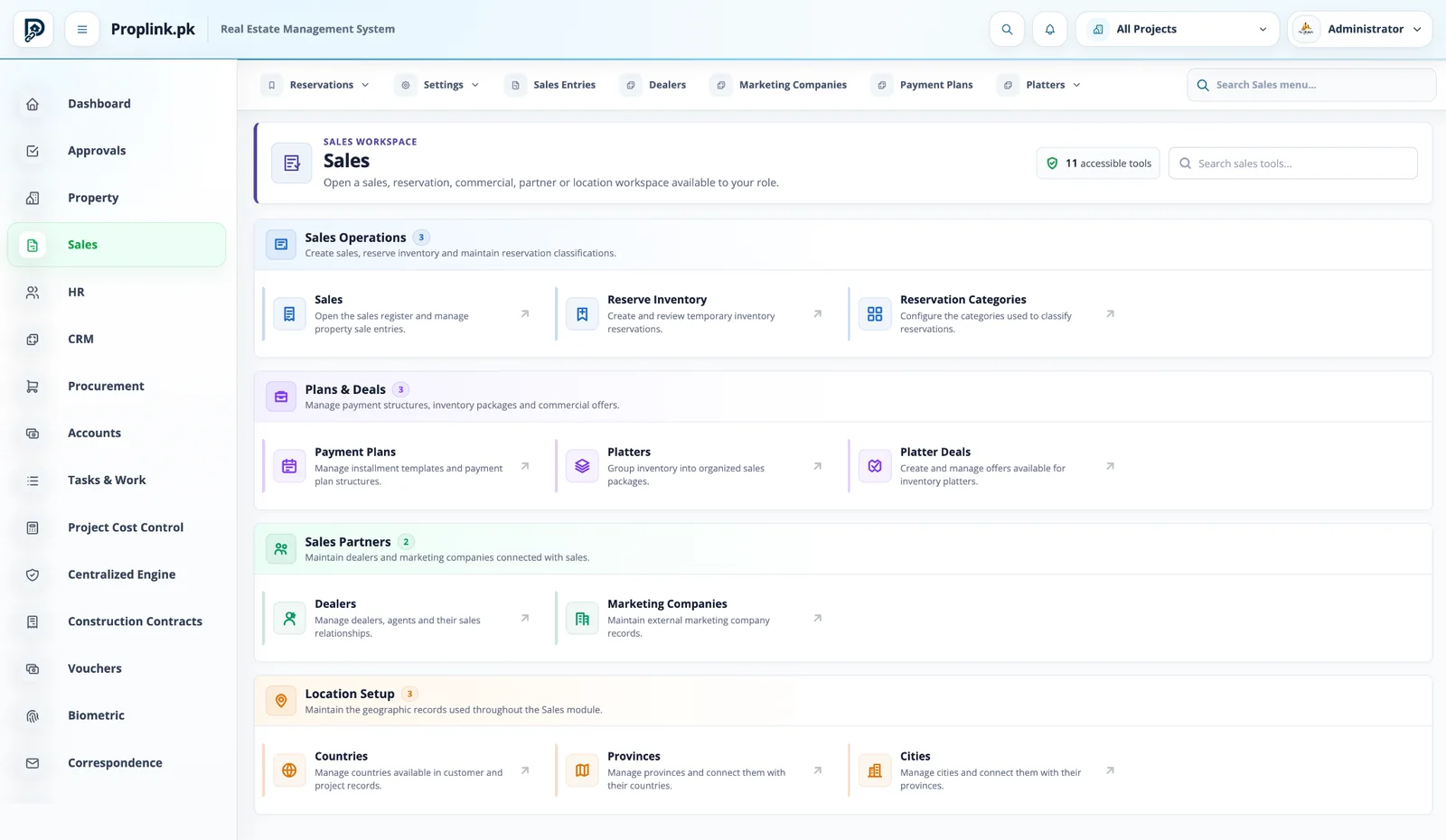
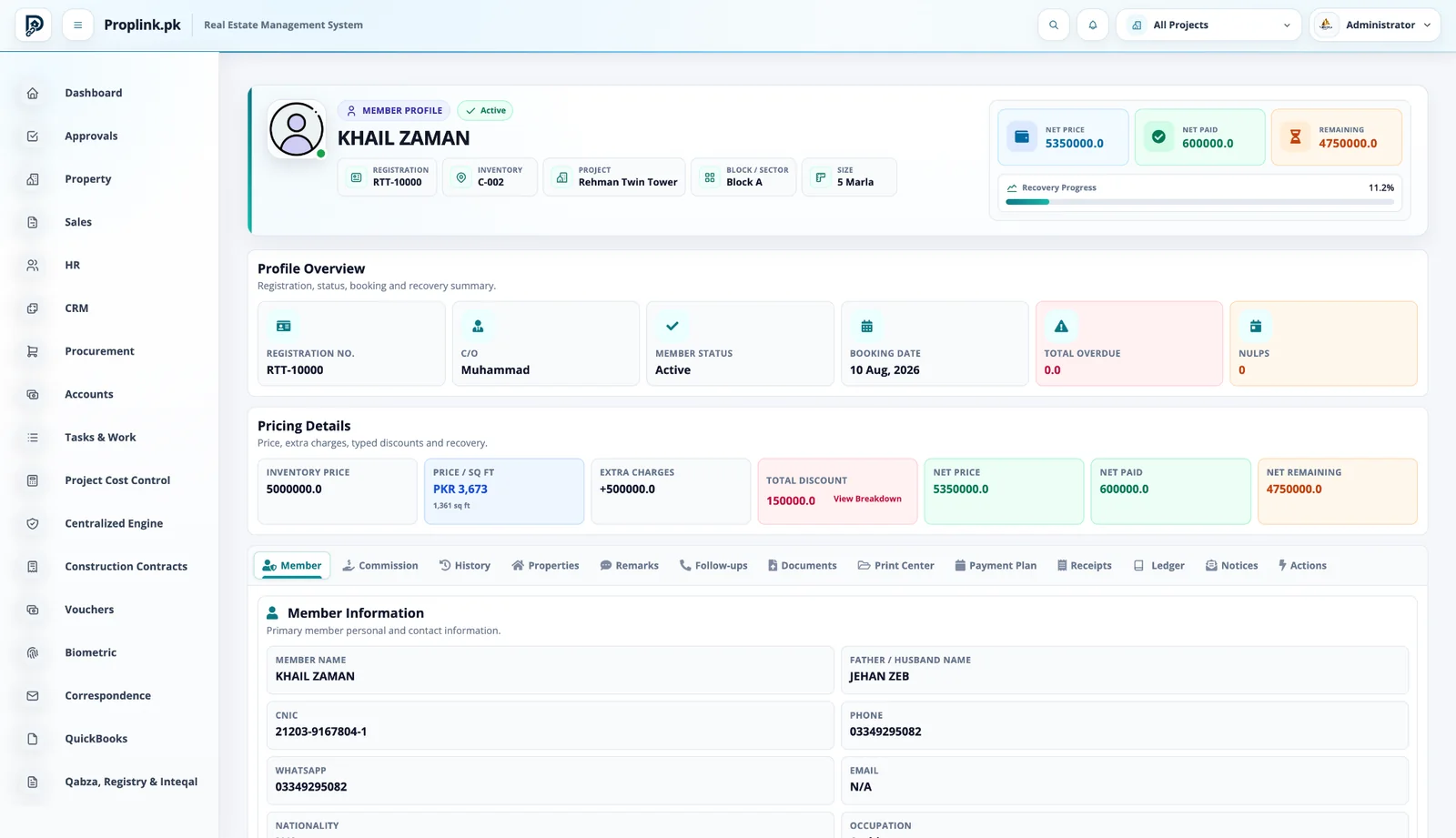
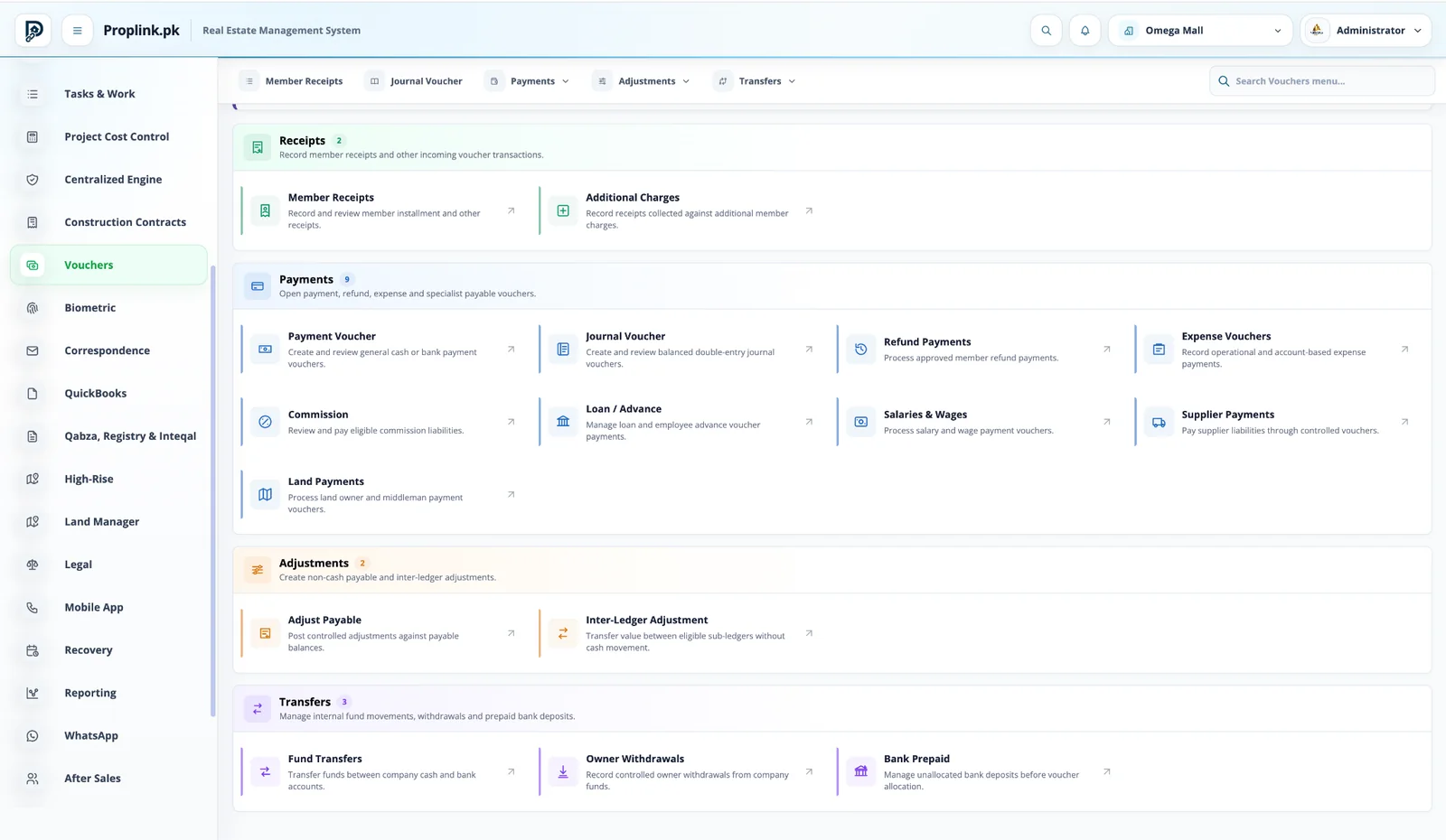
Link sales partners and commission calculations to the actual transaction that generated the commission.
Dealers and agentsMarketing companiesCommission liability
Operational depth
This is not a feature page. It is a working part of the ERP.
Link sales partners and commission calculations to the actual transaction that generated the commission.
01Dealers and agents
02Marketing companies
03Commission liability
04Settlement visibility
Walk through this workflow Live product · project-focused demo
ONE PROJECT RECORD
LIVE OPERATIONAL CONTEXT
Connected views
Move through the surrounding workflow — without losing context.
The module does not sit alone. Open the connected PropLink views that feed it, receive from it, or continue the same customer, property or financial record.
Book a live walkthroughPROPLINK · LIVE PRODUCTCONNECTED
WORKSPACE 01Dealer, Agent & Commission ERP
Reservations, sale entries, payment plans, platters, dealers and marketing channels organized around controlled inventory.
REAL DATA FLOW
PROJECT SCOPED
Want to see Dealer, Agent & Commission ERP on your workflow?
Tell us your project type and the departments you want to connect.
FAQ
Frequently asked questions
Answers to common questions about this PropLink workflow.
Leads can be captured, assigned, followed up, categorized, moved through a pipeline, connected to campaigns and eventually converted into sales.
Yes. CRM records can retain source and campaign information so management can compare lead generation with visits, conversions and sales outcomes.
Yes. CRM supports assignment and team-based handling, with permissions controlling which users can see their own, team or broader lead records.
Yes. Follow-up activity and site-visit information can be recorded as part of the lead journey.
Yes. Reservation workflows can temporarily hold eligible inventory before the final sale or booking is completed.