
Sales & Customer · ERP Module
Leasing ERP Module
Connect eligible high-rise inventory with tenant, lease, occupancy and revenue-related workflows.
Tenant recordsLease controlOccupancy status
Operational depth
This is not a feature page. It is a working part of the ERP.
Connect eligible high-rise inventory with tenant, lease, occupancy and revenue-related workflows.
01Tenant records
02Lease control
03Occupancy status
04Inventory continuity
Walk through this workflow Live product · project-focused demo
ONE PROJECT RECORD
LIVE OPERATIONAL CONTEXT
Connected views
Move through the surrounding workflow — without losing context.
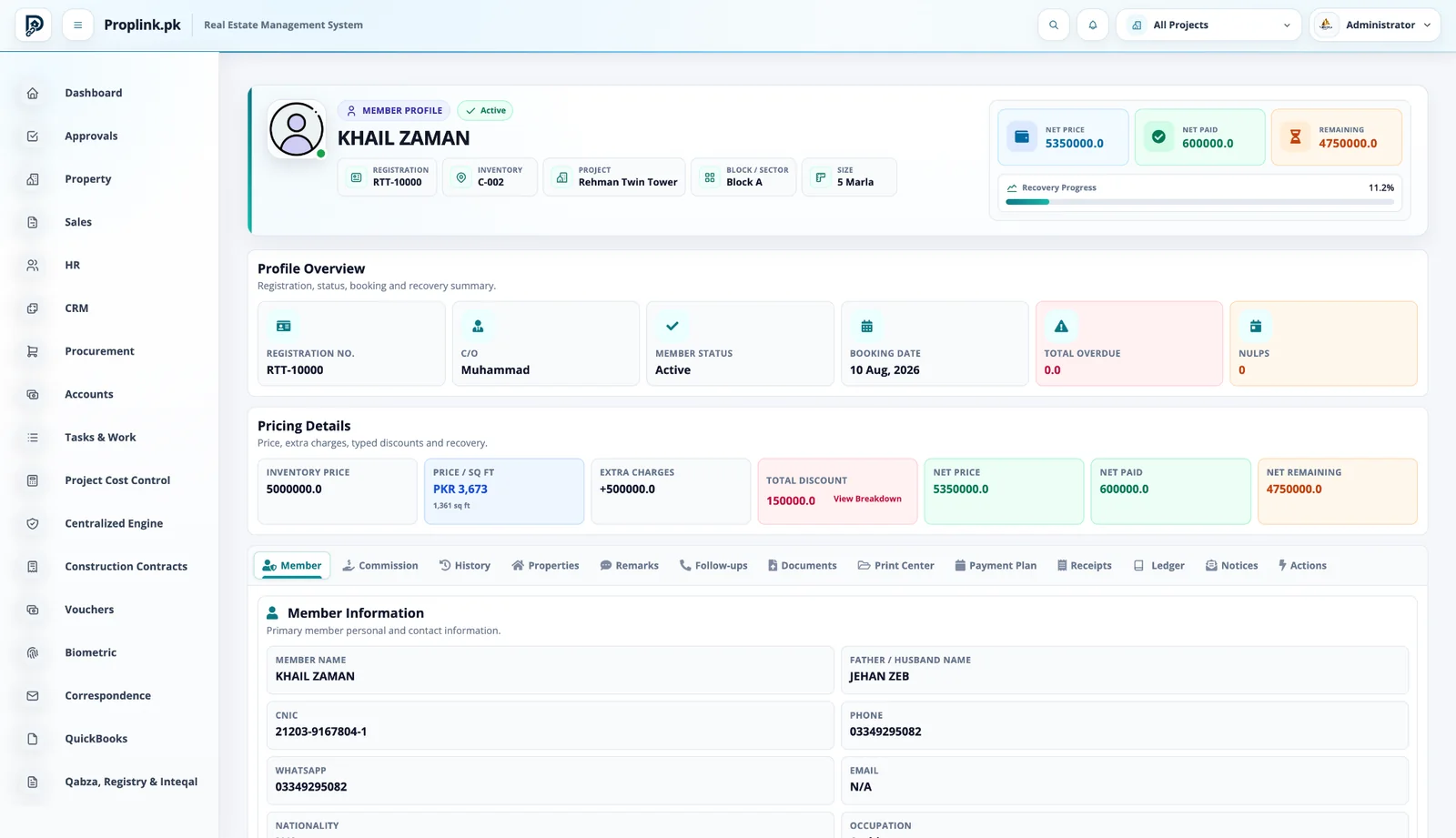
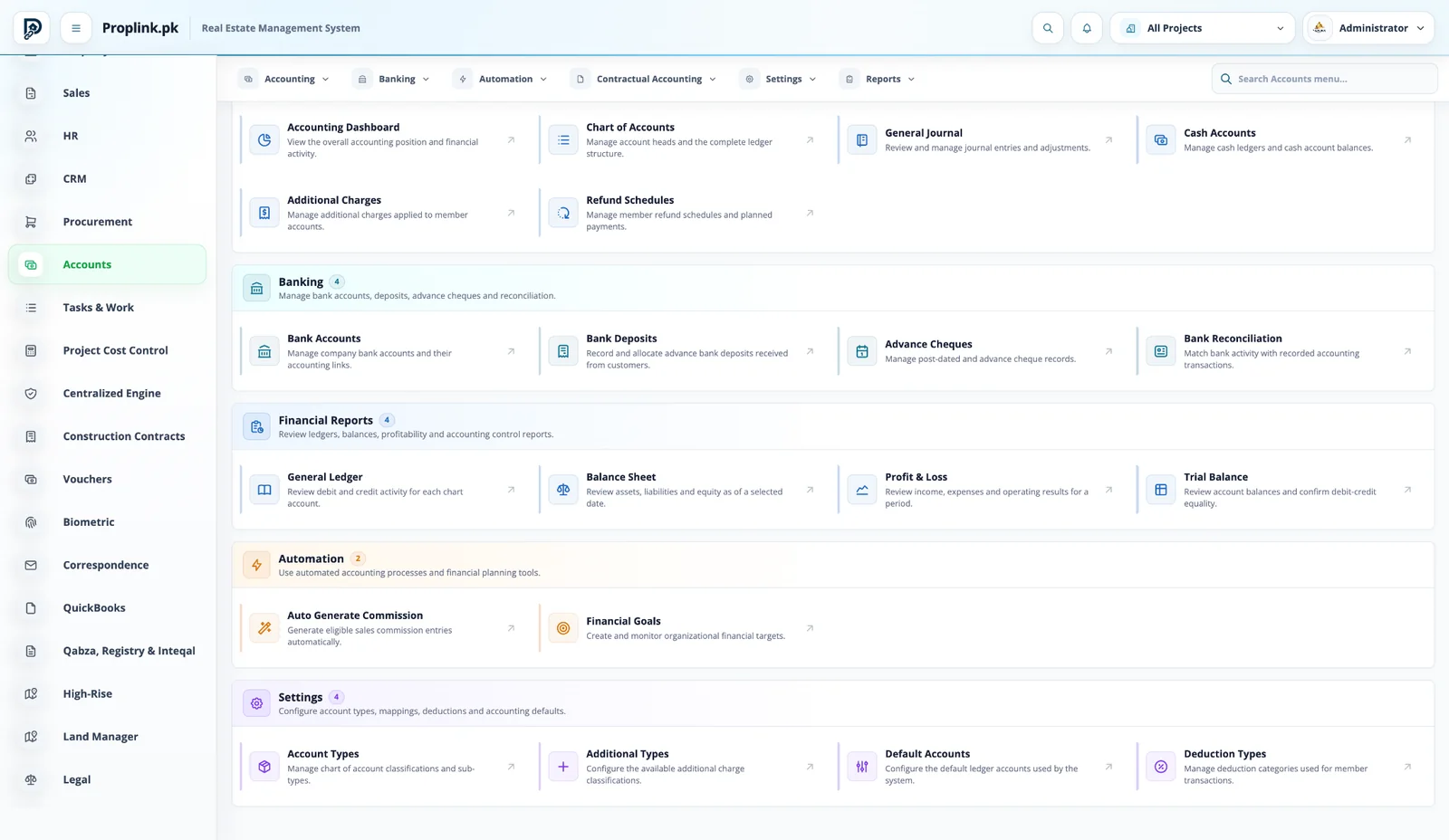
The module does not sit alone. Open the connected PropLink views that feed it, receive from it, or continue the same customer, property or financial record.
Book a live walkthroughPROPLINK · LIVE PRODUCTCONNECTED
WORKSPACE 01Leasing ERP Module
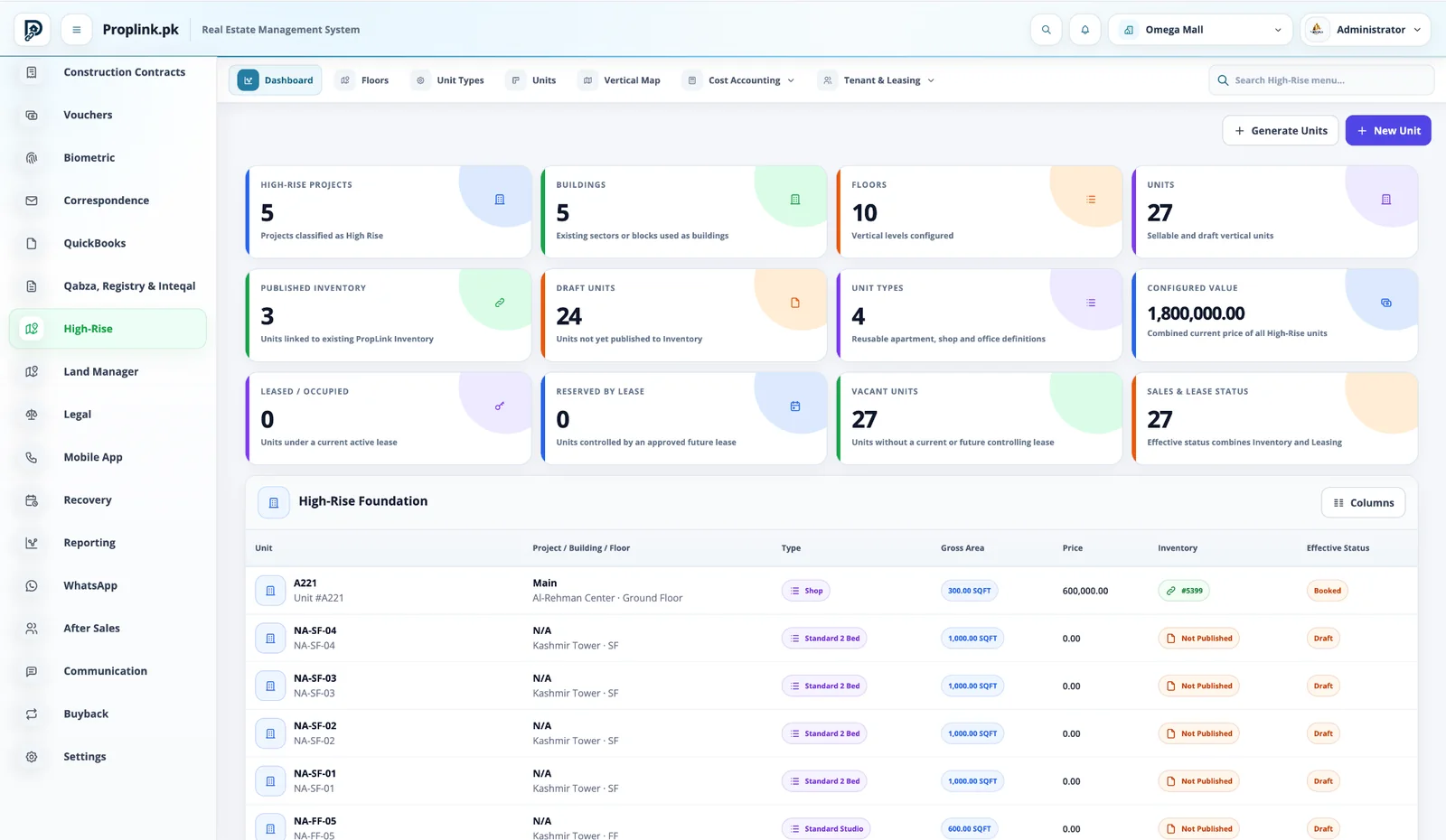
Buildings, floors, unit types, units, published inventory, leasing status and configured value in one vertical-project view.
REAL DATA FLOW
PROJECT SCOPED
Want to see Leasing ERP Module on your workflow?
Tell us your project type and the departments you want to connect.
FAQ
Frequently asked questions
Answers to common questions about this PropLink workflow.
High-rise inventory can be organized from project to building or tower, floor, unit type and individual unit, giving teams a controlled vertical inventory hierarchy.
Yes. Unit types can be configured for the property categories used by a project, including apartments, shops, offices and other sellable or leasable vertical units.
Yes. High-rise sales can work with area-based pricing and per-square-foot commercial calculations where required by the project.
Yes. High-rise units can be created and configured before being published into the main property inventory, supporting controlled setup and release.
Yes. Project Cost Control can track approved budget, actual, committed, remaining and forecast positions by configured cost heads.